ModApps Dashboard Studio
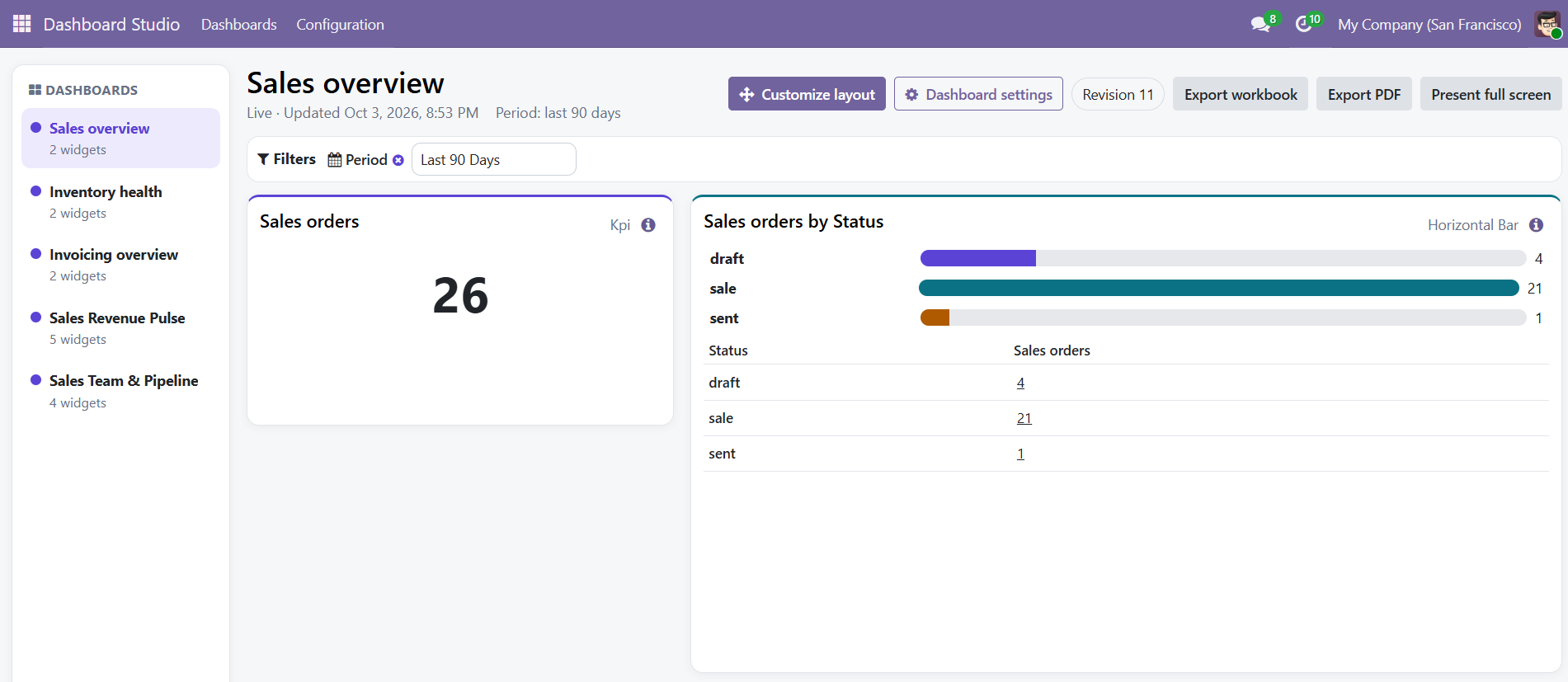
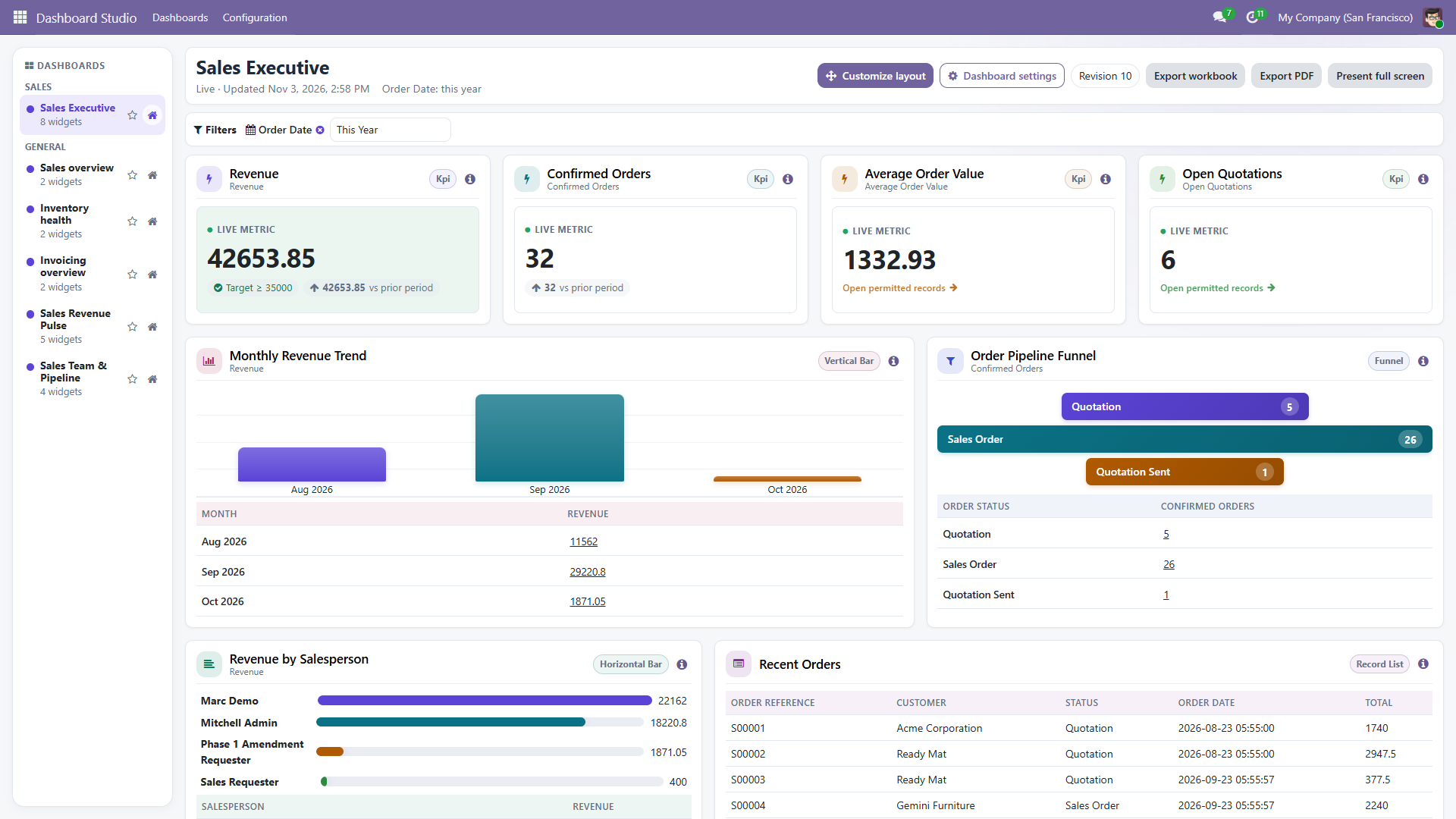
Create dashboards from guided Odoo datasets or validated custom queries. Arrange widgets on screen, apply shared filters, inspect source records, and deliver permission-aware PDF or XLSX reports.
ModApps builds focused Odoo applications with clear setup instructions, controlled access and support that starts with the actual business problem.

Each module has a defined scope, documented safety boundaries and a direct Odoo Apps listing.

Create dashboards from guided Odoo datasets or validated custom queries. Arrange widgets on screen, apply shared filters, inspect source records, and deliver permission-aware PDF or XLSX reports.

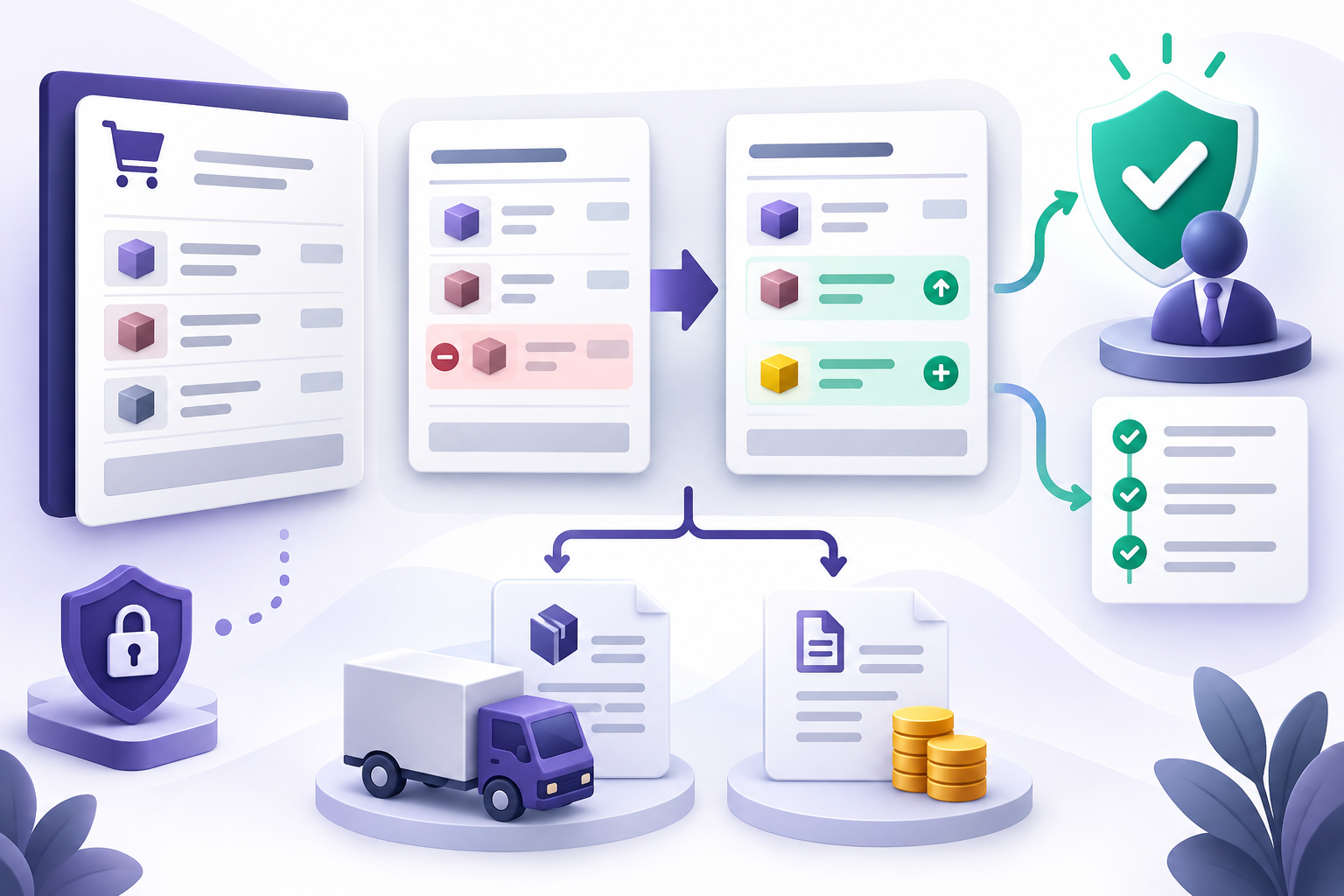
Request, review and safely apply changes to confirmed sales orders before delivery or invoicing, with immutable before-and-after values and independent approval.
Use the online documentation for quick reference or download the illustrated client guide for your internal team.
Requirements, installation, upgrade steps and the first access-role assignment.
Open setup guide →Queries, measures, widgets, filters, layouts, validation and sharing.
Open user guide →Roles, viewer permissions, company access, exports and troubleshooting.
Open reference →Install the module, assign the requester and approver roles, and verify approval separation.
Open setup guide →Supported changes, request states, approver review and safe application.
Open workflow guide →Understand the downstream conditions the module intentionally refuses.
Open safety reference →Send the Odoo version, hosting type and a short description of the workflow. We will reply with the next practical step.